Operational IT documentation that looks like a product and works like an engineering system.
TAHAI IT Docs is built for MSPs, internal IT teams, and technical operators who need documentation, projects, networks, vendors, domains, policies, templates, and assets in one connected platform.
Bring documentation, execution, and troubleshooting into one operational workspace.
TAHAI IT Docs keeps the operational record and the engineer workflow together. Teams can move from reading the record to taking action without bouncing between disconnected tools.
One operational surface
Docs, projects, domains, vendors, networks, assets, and supporting records stay linked instead of scattered.
No minimum seat count
Start with one engineer. Add seats and organization capacity only when you actually need them.
Built for real IT work
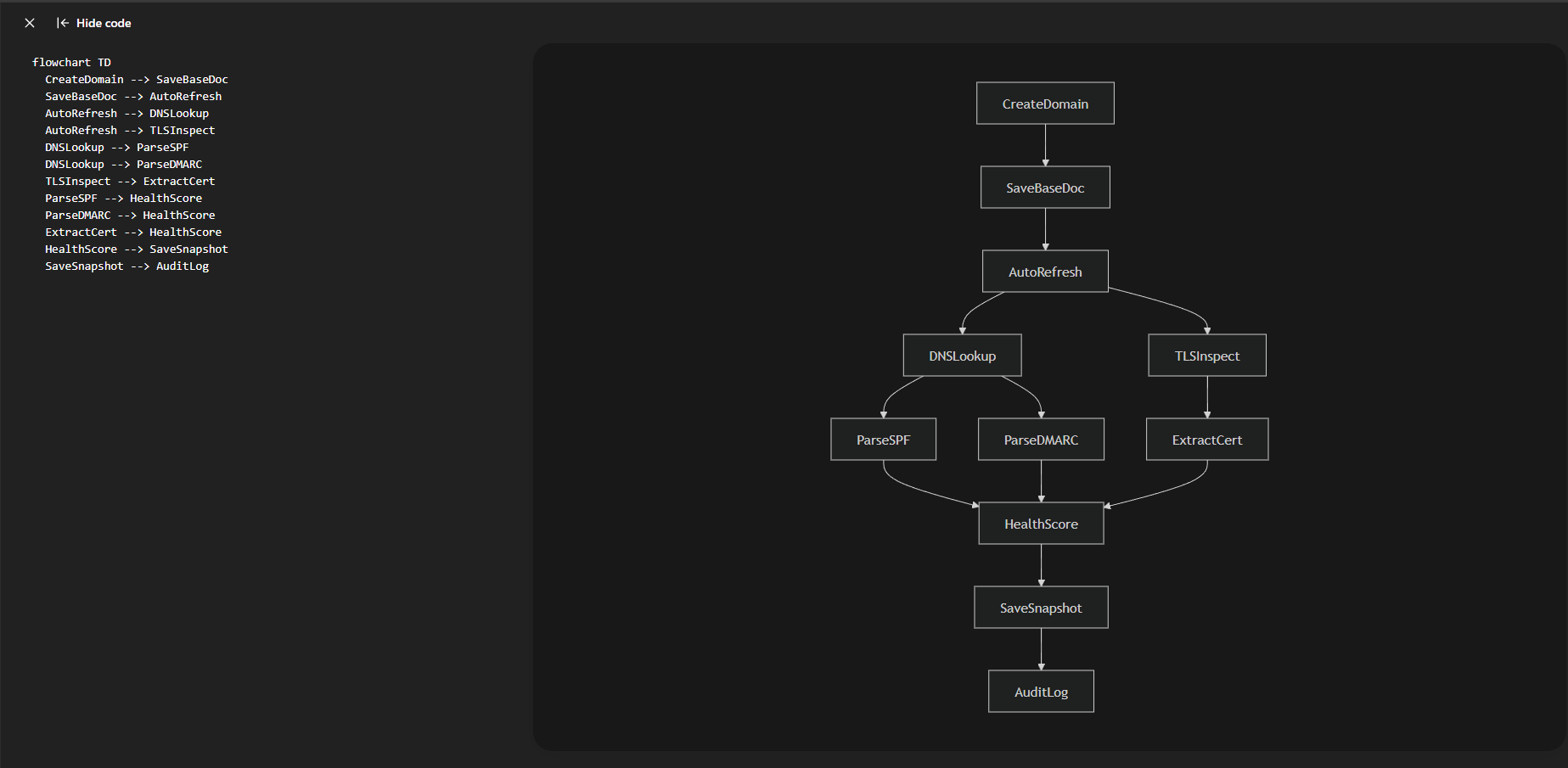
Copy buttons, runbooks, task generators, engineering presets, and workflow rails are part of the product instead of bolted on.
See the product in action
What makes TAHAI different
- Command consoles in the record itself: domain tools, DNS snippets, password rotation checklists, vendor operations actions, and more.
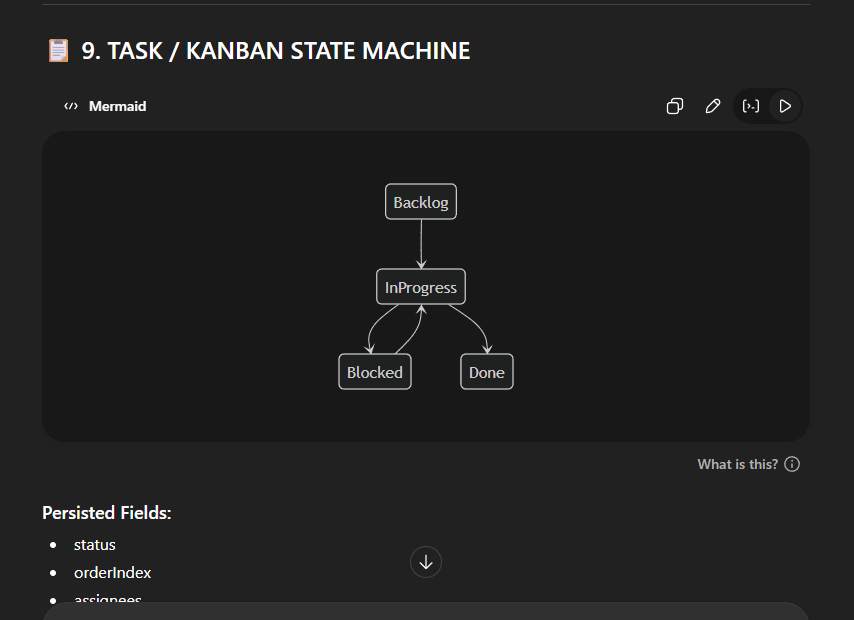
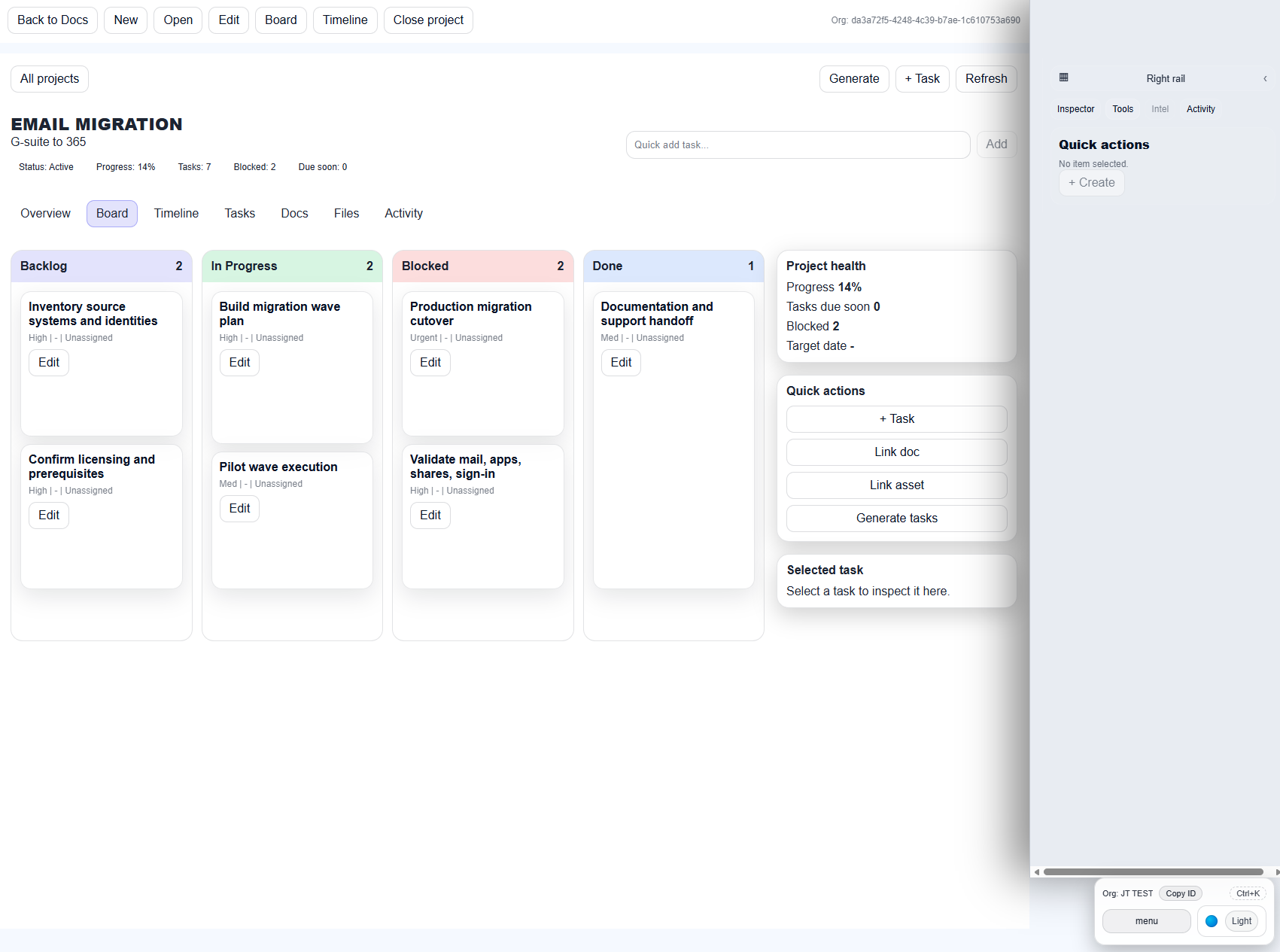
- Projects are not separate from documentation: link docs and assets straight into the project workspace.
- MSP economics: per-seat pricing plus organization capacity with no minimum seats.
- Theme flexibility: dark theme for operational intensity and light theme for daytime client work or accessibility preference.
Who it is for
MSPs that need client-facing documentation, internal notes, operations history, and project execution in one place.
Internal IT teams that need domain, vendor, network, and project context without bouncing between tools.
Technical operators who want their runbooks and copy-ready commands attached to the actual record they are working on.
Frequently asked questions
What is the biggest selling point?
The biggest difference is that documentation stays connected to execution. Teams can review context, copy the right commands, and move work forward from the same place.
Can I start small?
Yes. There is no minimum seat count. Start with one engineer, then add seats and organization capacity as your workload grows.
Does it support both dark and light theme?
Yes. Yes. Teams can choose the presentation that fits their environment, accessibility needs, and day-to-day workflow preferences.
Client Portal status
Client View / Client Portal is in active rollout and is scheduled for release later this month. The initial production launch focuses on the internal operations workspace, documentation builder, projects, and engineering toolkits.