Give your team one place to document, deliver, and support every client environment.
TAHAI IT Docs is built for how MSPs actually operate: onboarding clients, maintaining documentation, updating infrastructure, handling projects, and closing tickets without losing context between systems.
What MSP leaders care about
- Faster onboarding and cleaner handoffs
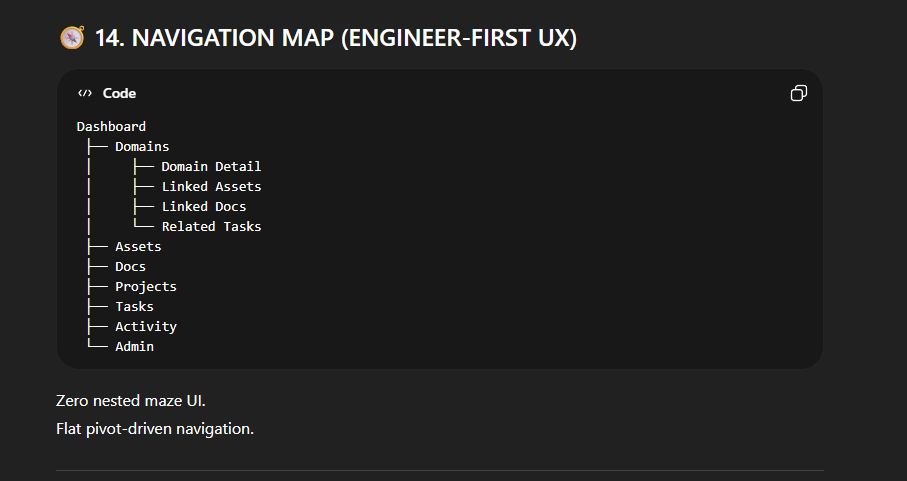
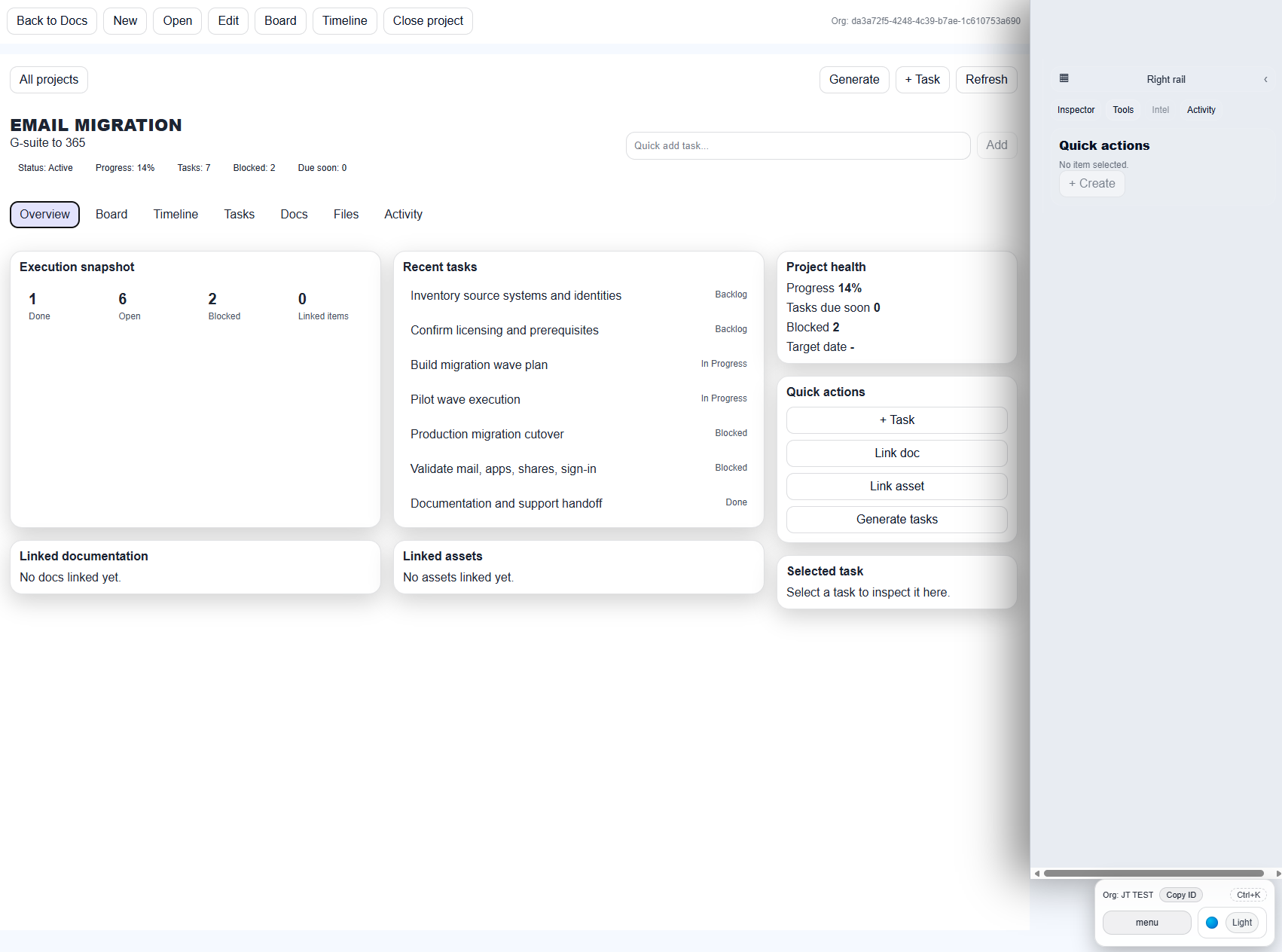
- Linked docs, tasks, assets, and project history
- Built-in tools that reduce technician tab hopping
- Clear organization boundaries and role-aware access
- Pricing that works for smaller teams as well as growing shops
Client onboarding
Capture the environment once, organize it clearly, and give every technician the same starting point from day one.
Project delivery
Keep migrations, refreshes, security work, and remediation tied directly to the documentation and assets they depend on.
Support handoff
Finish work with current records, linked notes, and reusable knowledge already in place for the next technician.
Why MSP teams respond quickly to the product
Use cases
- New client onboarding and standards capture
- Firewall swaps, switch refreshes, and Wi-Fi rollouts
- Microsoft 365 migrations and account cleanup
- Domain, DNS, and SSL visibility for web and mail cutovers
- Escalation-ready notes for recurring support issues
- Client runbooks for after-hours and emergency response
What teams immediately notice
Open a client record and the environment is already organized: documentation, network details, vendor references, credentials, and project context in one place. Instead of jumping across tools and chat threads, technicians can move directly to the next step in resolving the issue.
Client Portal status
Client View / Client Portal is in active rollout and is scheduled for release later this month. The initial production launch focuses on the internal operations workspace, documentation builder, projects, and engineering toolkits.