Give technicians the network context they need before troubleshooting begins.
TAHAI IT Docs keeps subnets, VLANs, gateways, DNS servers, DHCP ranges, and location notes in one structured record so your team can move from intake to diagnosis faster.
What teams gain immediately
Instead of rediscovering the environment on every escalation, technicians can open one record and see the network layout, the operational notes, and the command-ready context needed to act.
- Structured LAN, WAN, guest, voice, and camera records
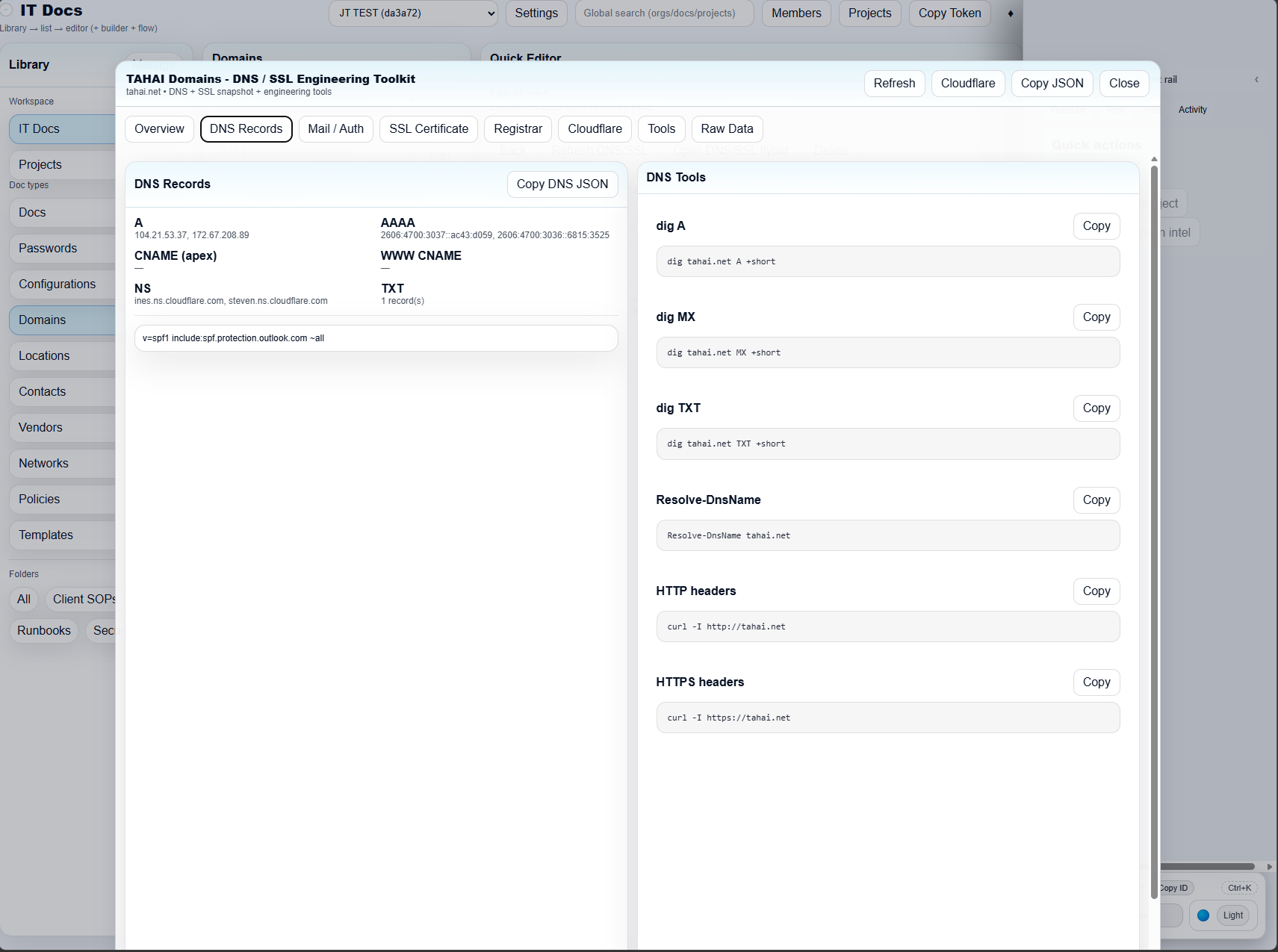
- DNS and SSL investigation tools next to the record
- Cloudflare and command-line snippets ready to copy
- Linked notes for troubleshooting, maintenance, and change history
Know the network before the ticket starts
Every client environment is different. TAHAI IT Docs keeps LANs, VLANs, gateways, DHCP ranges, DNS, and location notes organized so technicians can understand the environment they are stepping into right away.
Resolve network issues faster
When network information is documented in a consistent structure, teams spend less time hunting for facts and more time fixing the problem. That leads to shorter ticket cycles, cleaner escalations, and fewer repeat questions.
Client Portal status
Client View / Client Portal is in active rollout and is scheduled for release later this month. The initial production launch focuses on the internal operations workspace, documentation builder, projects, and engineering toolkits.